Start with the truck
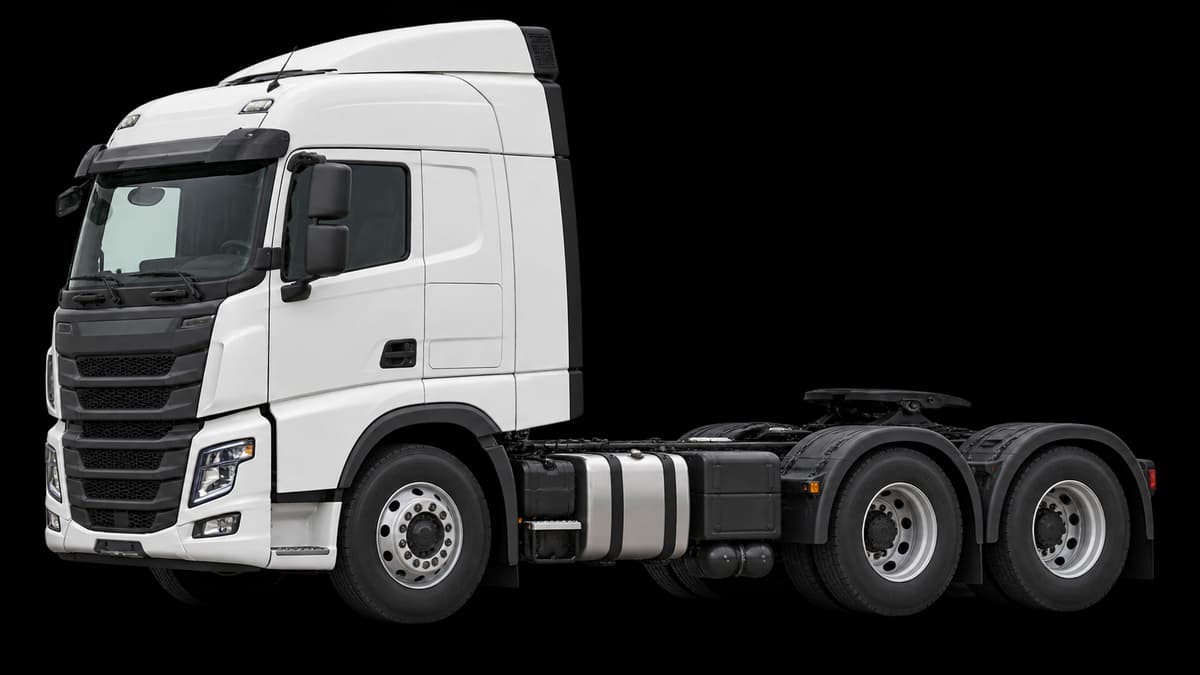
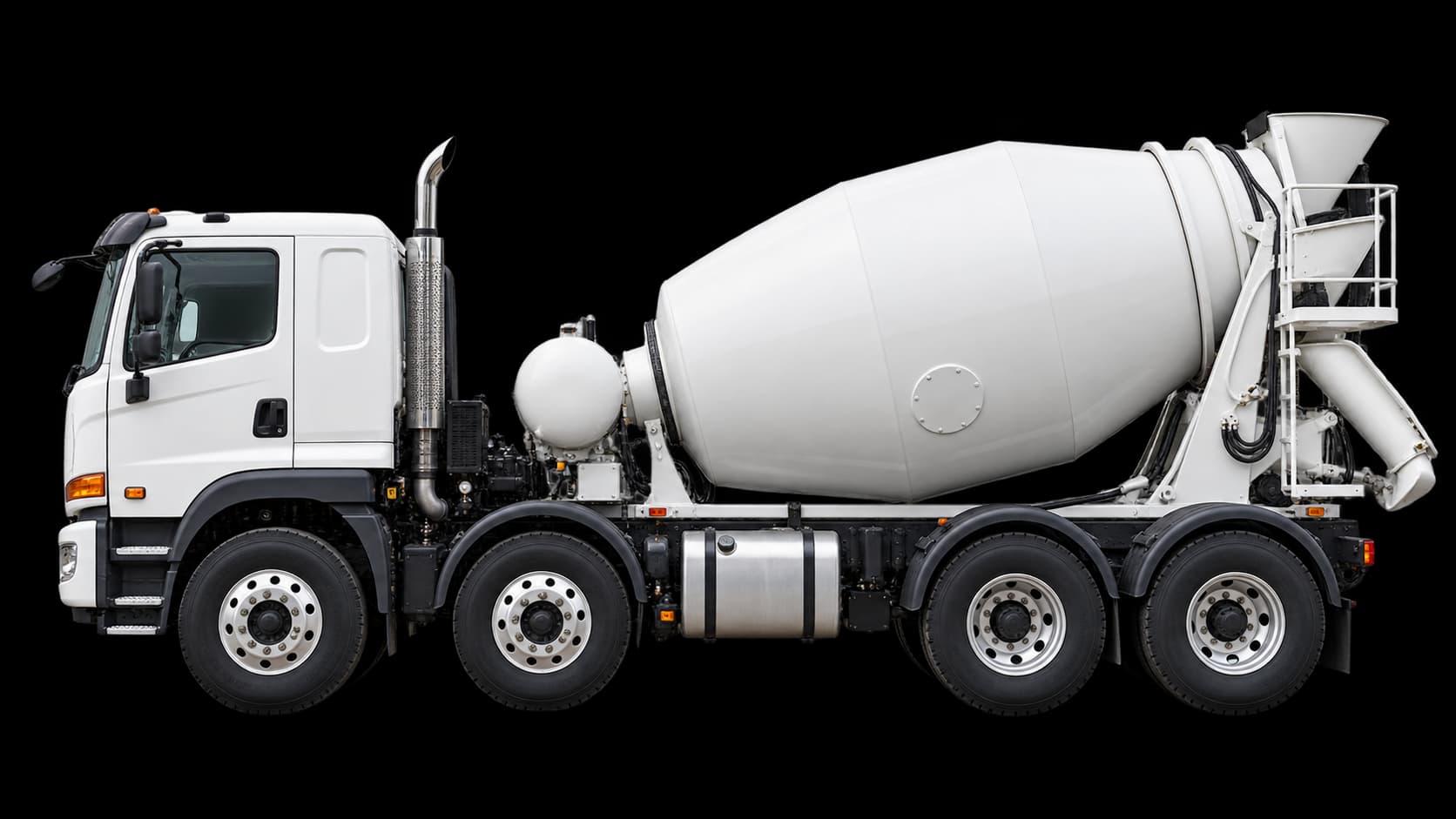
In My truck, choose Build setup. Reuse a saved truck when its details are still correct, or add a prime mover or rigid truck. For a rigid, choose the body fitted to it: concrete agitator, livestock, vehicle carrier, tipper and the other work types are separate choices.
A new truck has a Measure stage for its own dimensions and empty tare weight. Keep those details with the truck; the complete road setup and today’s load come later.
Choose how the equipment is arranged
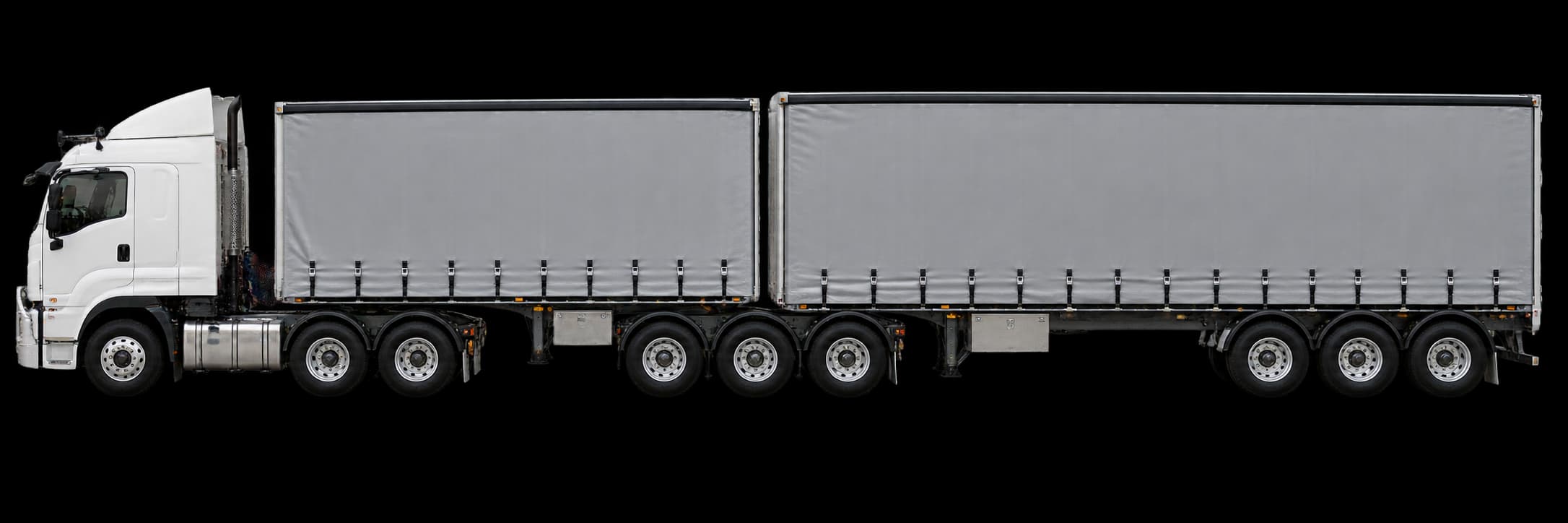
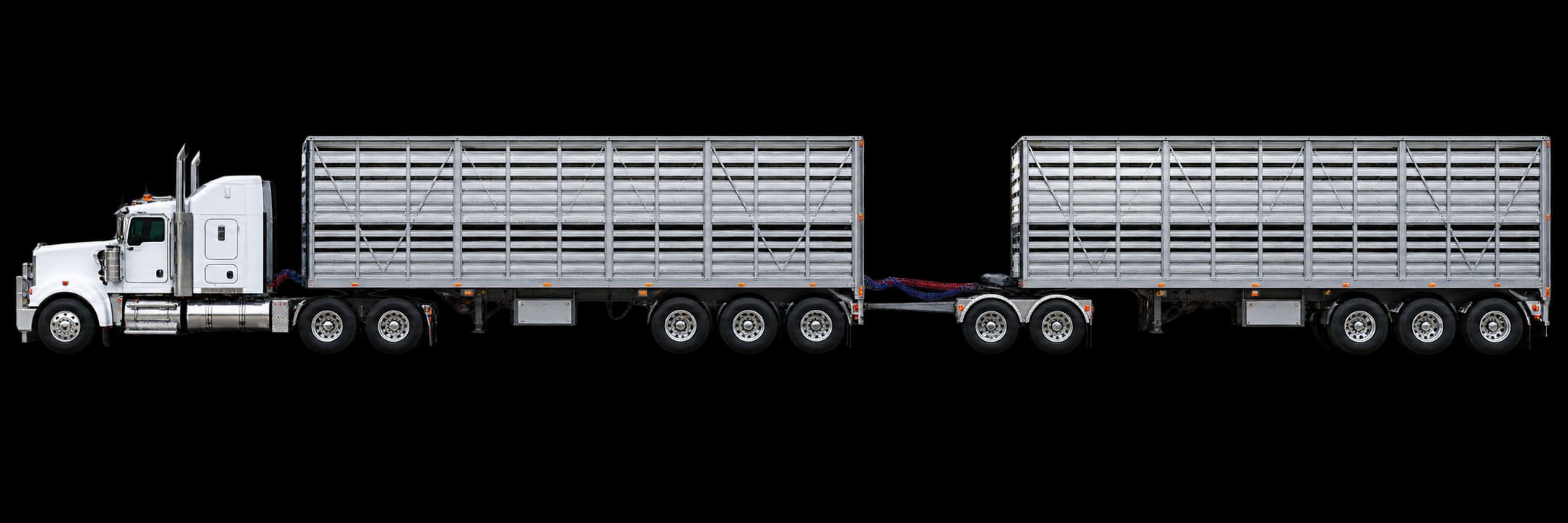
Choose truck only, single semitrailer, truck and dog, truck and pig, B-double, road train or a custom combination. The choices depend on the truck you selected. The configuration describes how the equipment is connected, while the body describes the work it does.
Add trailing units from the truck towards the rear, including converter dollies where fitted. B-doubles and road trains have distinct setup choices; a road train can use different coupling arrangements. Check the illustrated equipment order against what you are taking out.
Give each trailer its own details
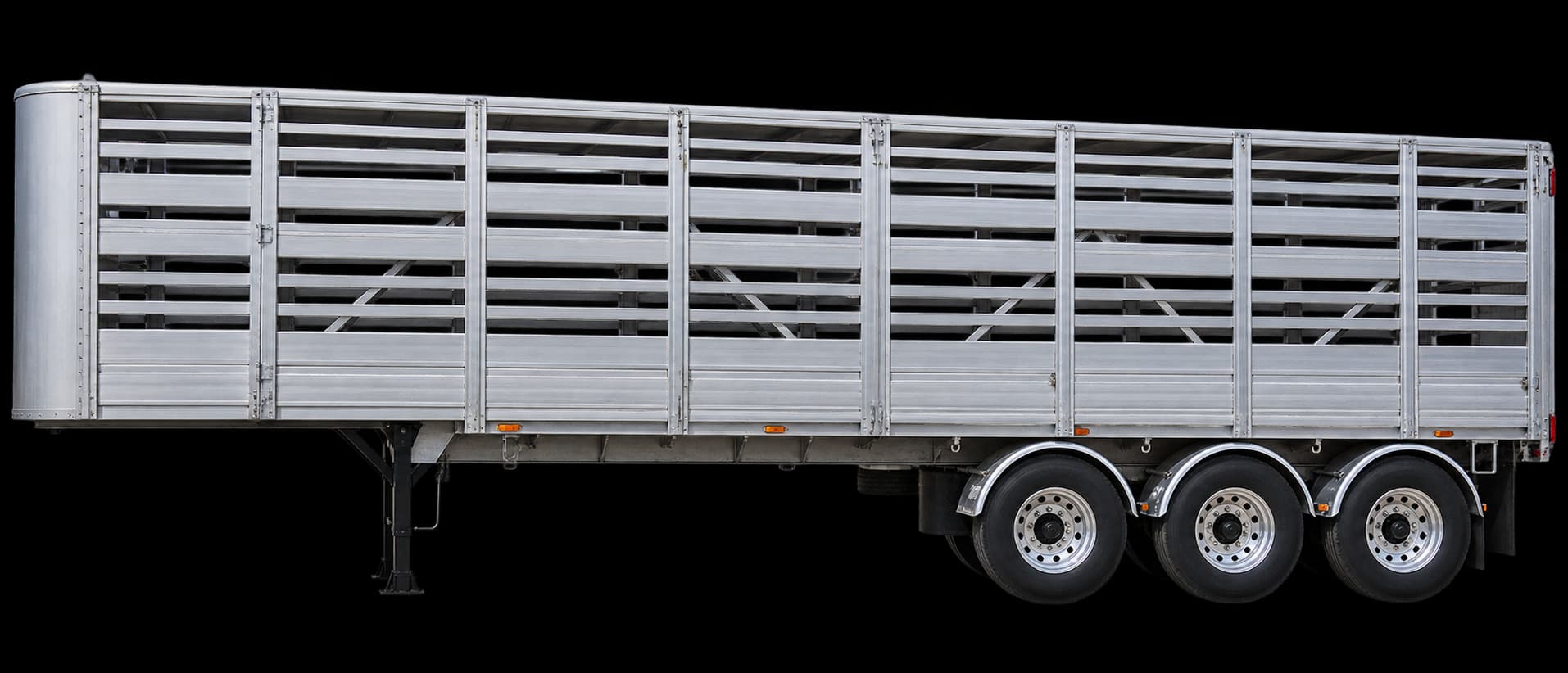
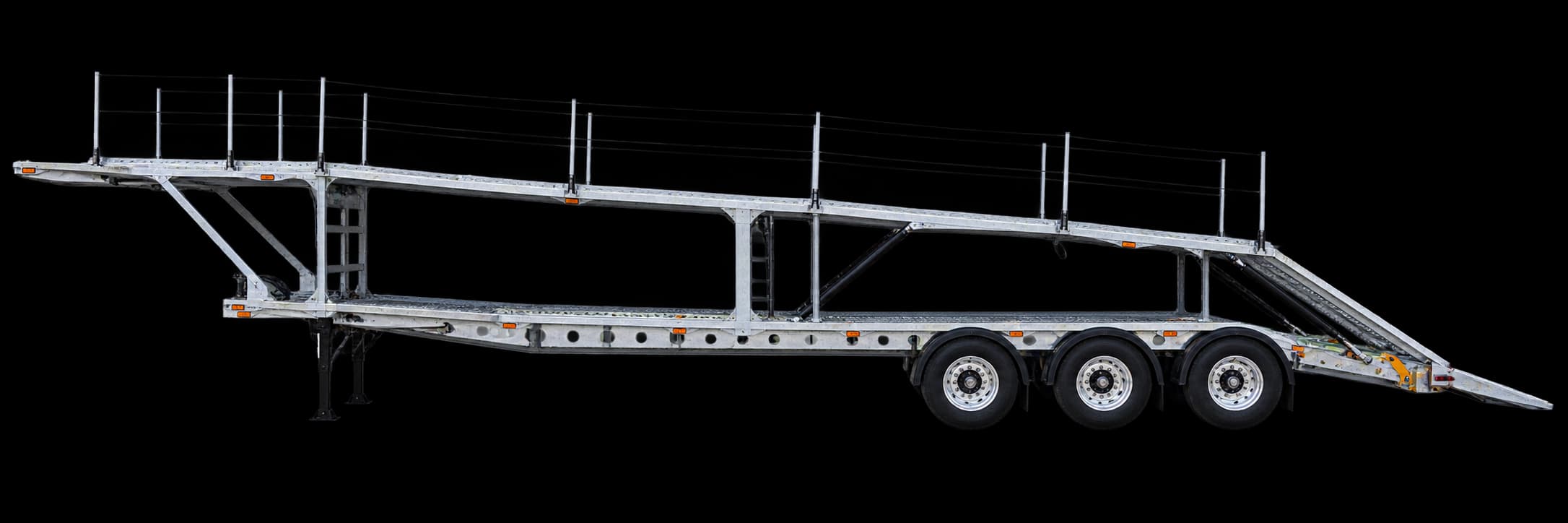
Choose the construction first: semitrailer, dog trailer, pig trailer, converter dolly or other equipment. Then choose the trailer’s body, such as curtain sider, tanker, tipper, livestock, vehicle carrier, container chassis or low loader.
Body illustrations use semitrailers as references. Dog and pig trailers keep their own construction, and a converter dolly has no freight body. Reuse saved units or enter their actual registration, dimensions, tare weight and axle details.
Match the rear connection
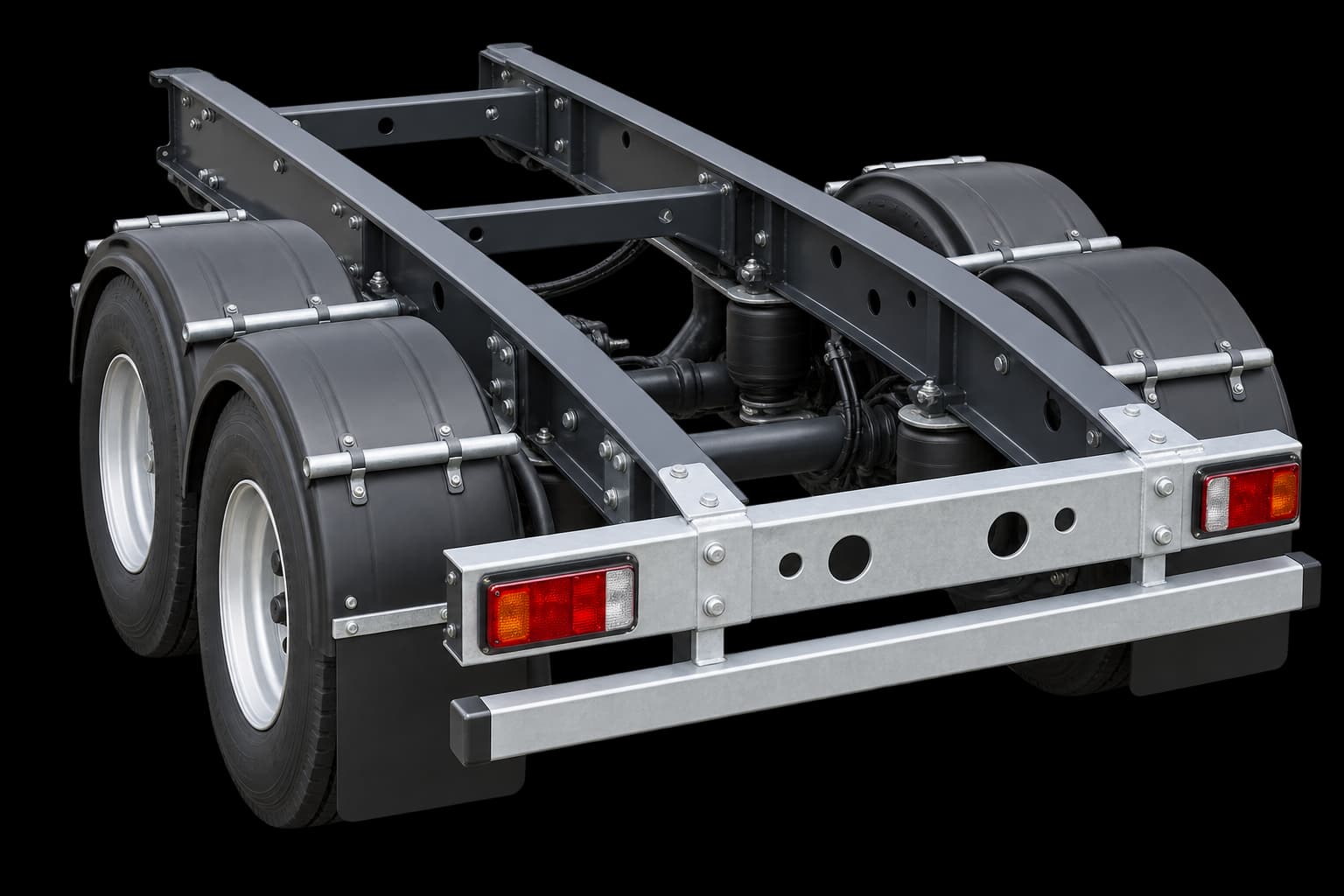
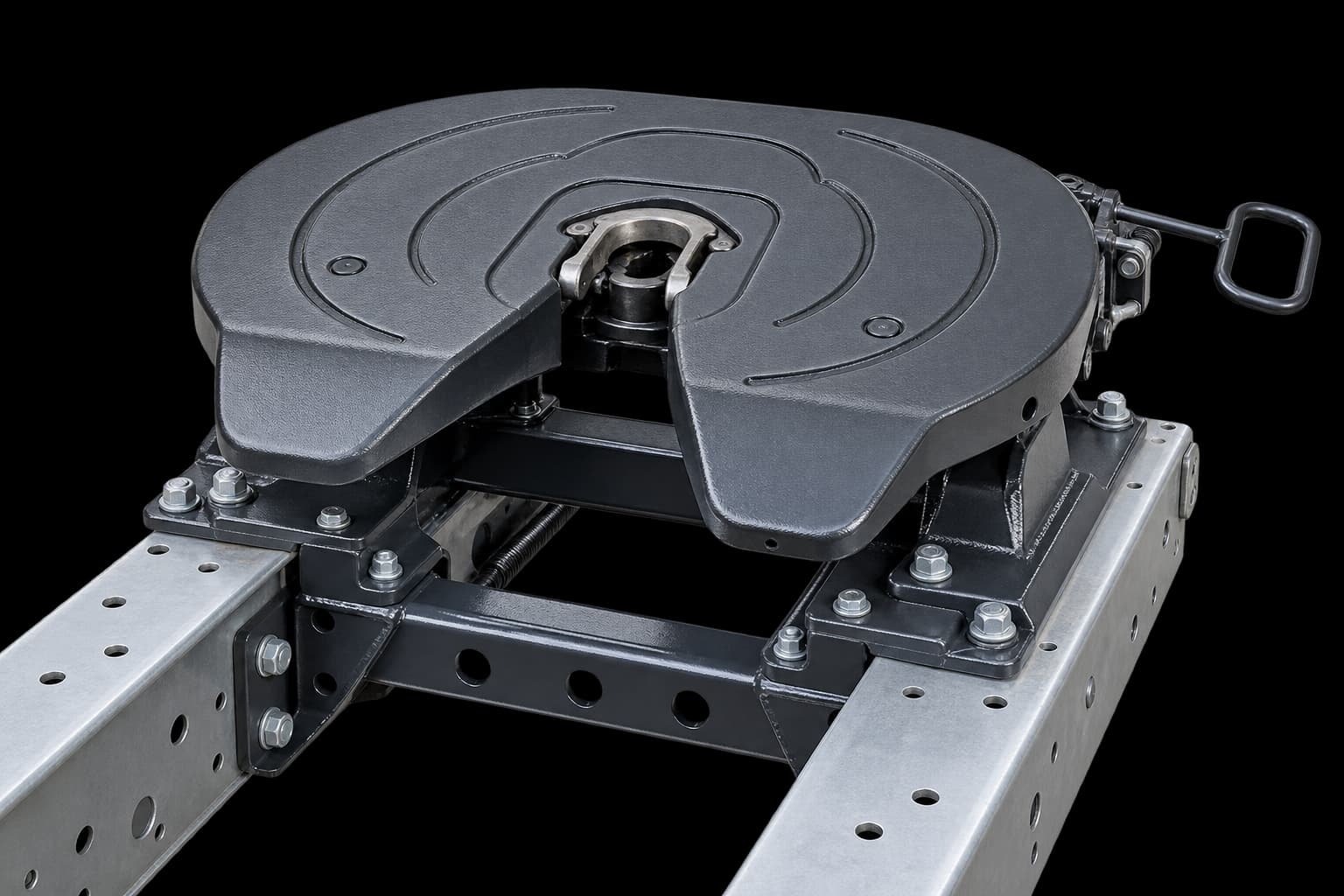
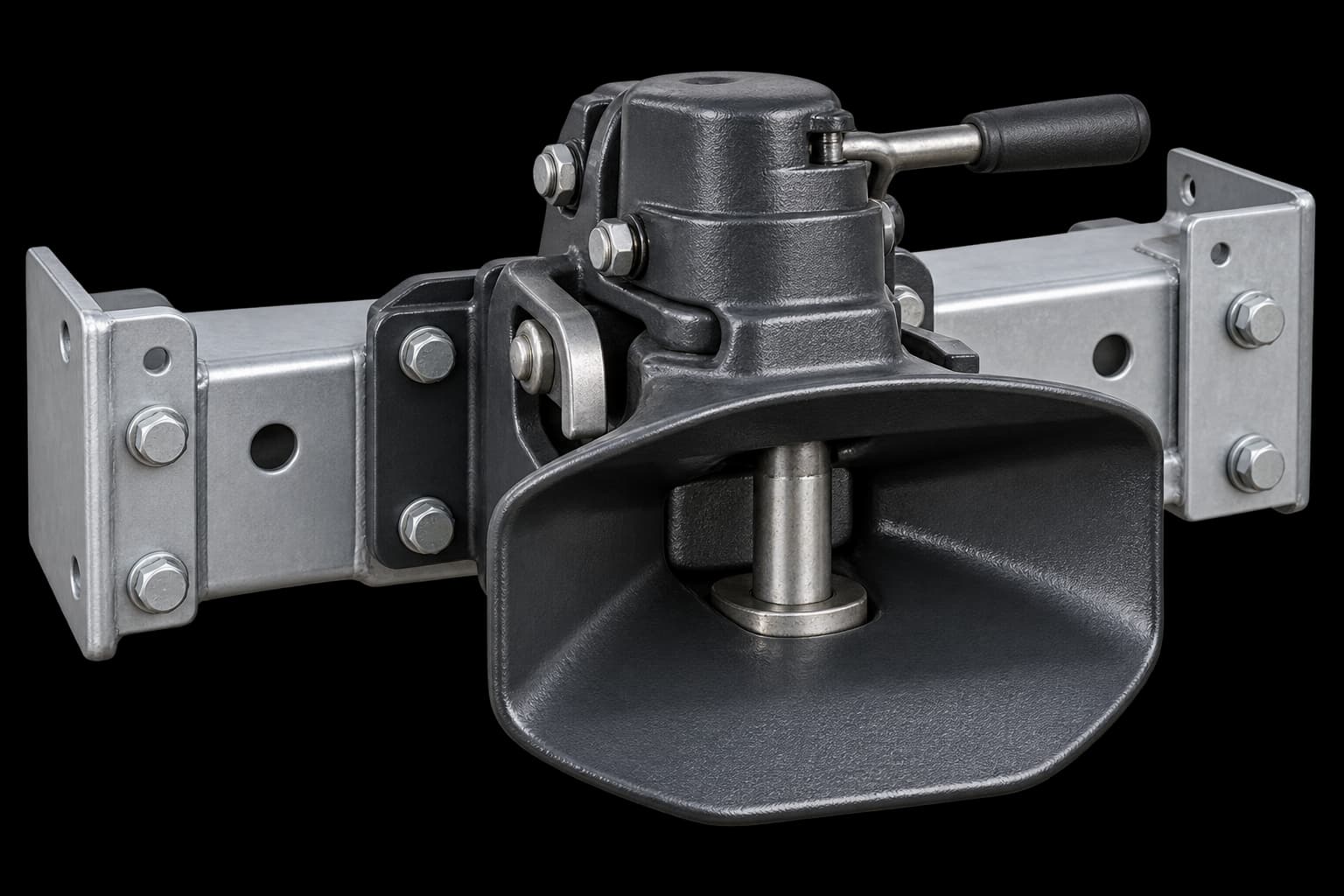
For each trailing unit, choose the rear connection it provides to the next unit: no rear coupling, rear fifth wheel or drawbar coupling. Use the pictures to recognise the options, then match the equipment actually fitted.
A body choice does not tell the app which coupling is present. Review any missing-unit or connection messages before moving on; the illustrated arrangement is a reference, not a coupling inspection.
Bring in the load, then review the whole setup
In Load & total dimensions, choose No load for an empty run or enter the actual freight. Confirm the complete coupled length, including overhang, and the operating mass. Review loaded height, width and axles with the equipment together.
Use the Review edit links to correct a specific part, then choose Save & use setup. Your active setup appears at the top of My truck → Road setups. Saved trucks and trailers remain reusable equipment records. Closing the wizard discards unfinished changes. When you return to Build setup, it starts from the beginning; equipment and setups you have explicitly saved remain available.
After swapping a trailer or changing the load, review the complete measurements again before checking the next route. Pictures do not supply measurements or confirm road access.
Dangerous-goods and oversize freight can be recorded, but their route checks and guidance are unavailable in the current build. B-double, road-train and custom routing also remain unavailable. Keep the actual freight and equipment details; use your approved specialist planning process for an unsupported journey.
Read the illustrated measurement guide ↗